How it works
One code on the table.Every memory home by morning.
Here is the whole journey, from the moment you create your event to the day you download your originals.
 01
01Create your event
Tell us the date and choose your package. Your private gallery is ready long before the day arrives.
 02
02Guests scan a code
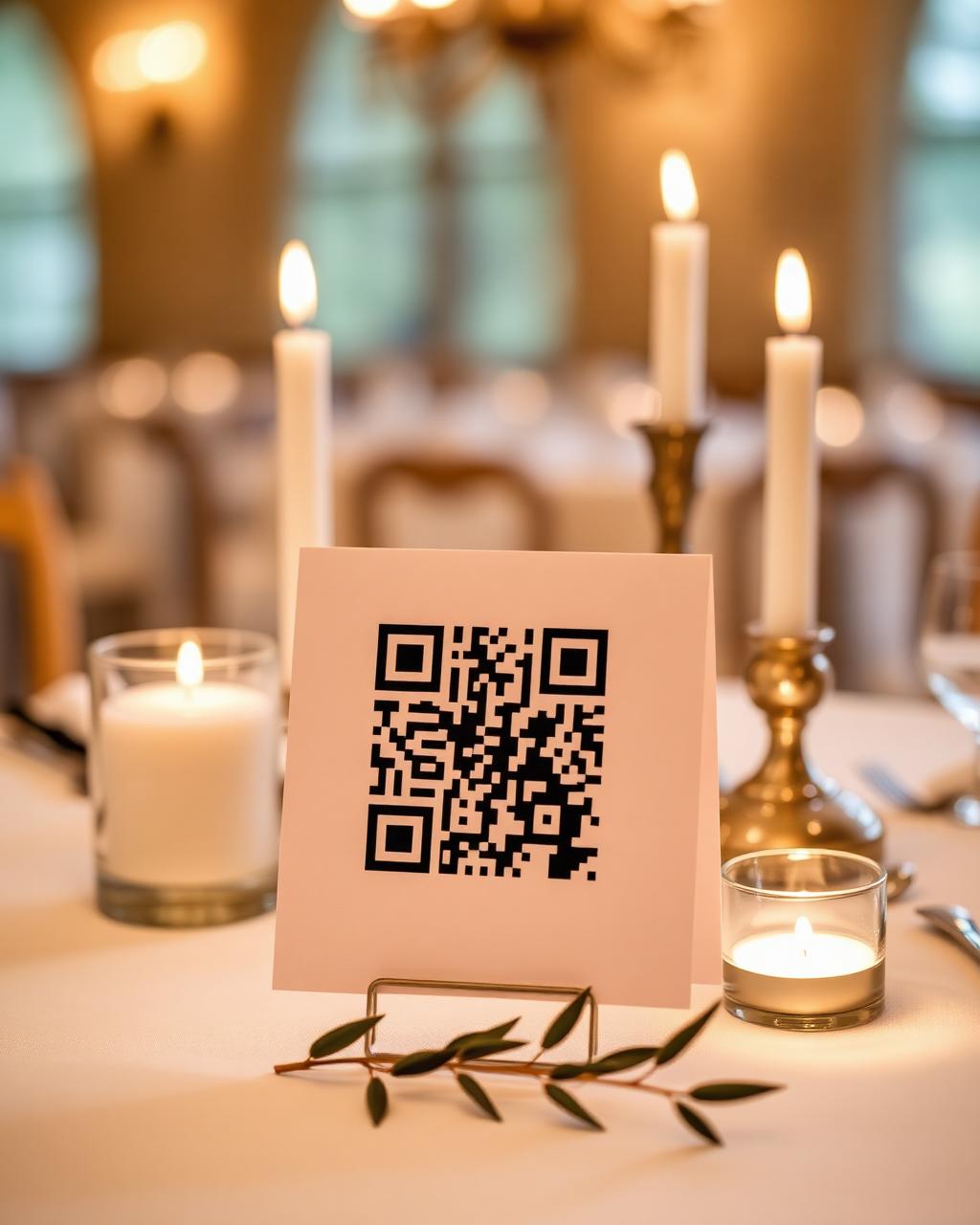
Place your QR card on tables. One scan opens their private upload page — no app, no account, no explaining.
 03
03Everything arrives home
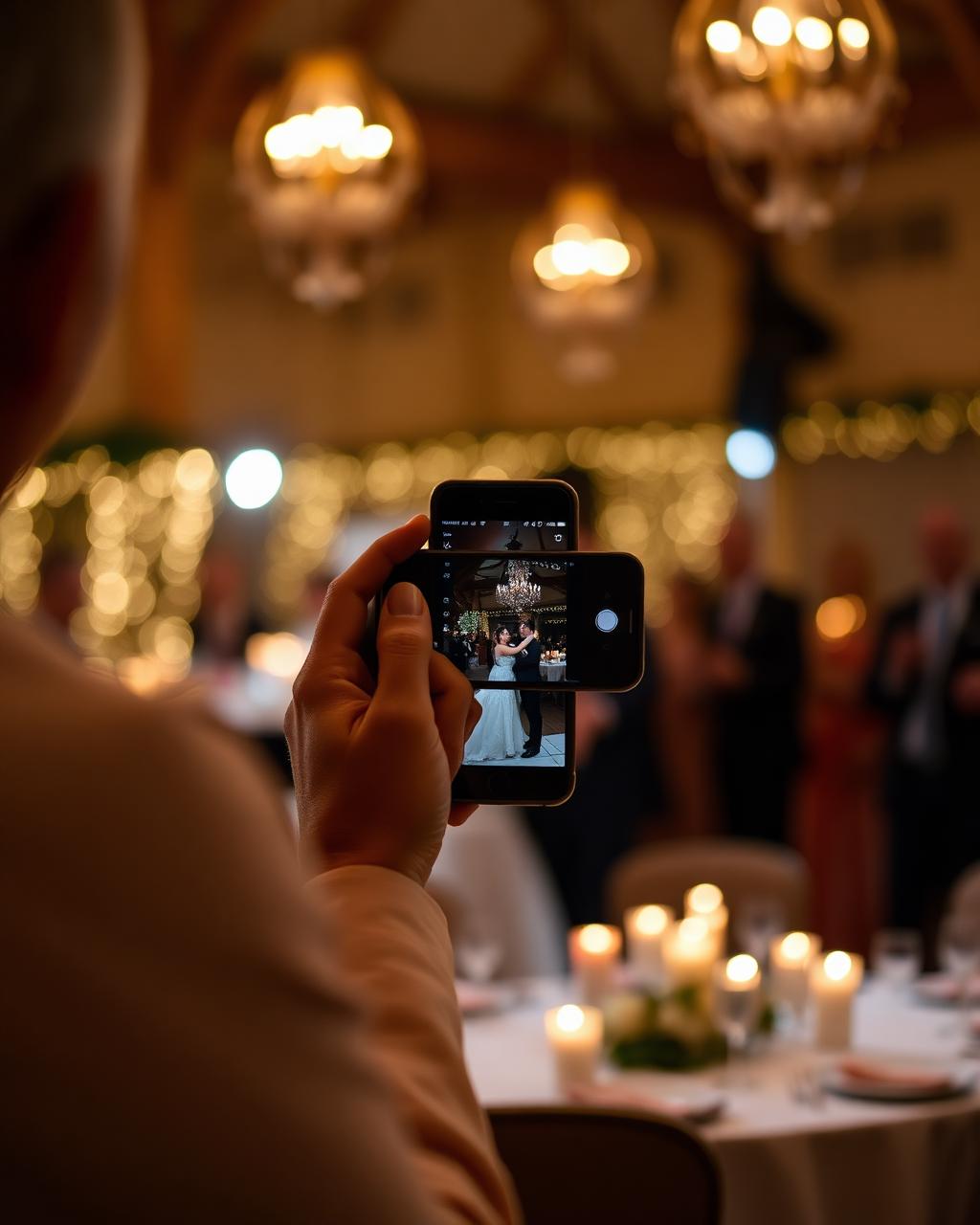
Photos and clips land quietly in one private gallery, in full quality, ready whenever you are.
For couples
Setting up your wedding
- 01
Create your account
A couple of details and you're in. Nothing to install, on any device you already use.
- 02
Create your wedding event
Add your names and your wedding date. This is the private home everything will arrive in.
- 03
Choose when guest uploads open
You pick the opening date. Uploads then run for 30 days and close on their own — early enough to include a rehearsal dinner if you'd like.
- 04
Choose and pay for a package
One once-off payment. No subscription, no per-guest fees.
- 05
Your QR code becomes available
Download it as a poster or reception card, print it, and place it wherever your guests will see it.
For your guests
Nothing to explain on the night.
They scan the code
Any phone camera opens the upload page straight away.
They upload in the browser
Photos and video clips go up directly from their camera roll, or they can take one there and then.
No app, no account
Nothing to download and nothing to sign up for. A guest can add their name, or stay anonymous.
Your gallery
After the day
Everything lands in one private place
Only you can open your gallery. Memories are grouped by day and by the moments they were captured in.
Browse the way you like
Look through everything, filter to photos or videos, or see what a particular guest contributed.
Download the original files
You keep the full-quality originals — never a shrunken or re-encoded copy.
Timing at a glance
How long everything stays open
- Guest uploads
- Uploads open on the date you choose and run for 30 days, then close automatically. Opening a little early lets you include a rehearsal dinner or the morning of the wedding.
- Your gallery
- Your gallery stays open for a set number of days counted from your wedding date. How many depends on the package you choose — you'll see the exact number on each one.
See the packages for guest guidelines, upload allowance and gallery length.
Ready when you are
Create your event today.
Your gallery waits quietly until the day you choose to open guest uploads.